Lighthouse Reports
Below is a snapshot Lighthouse report for this site.
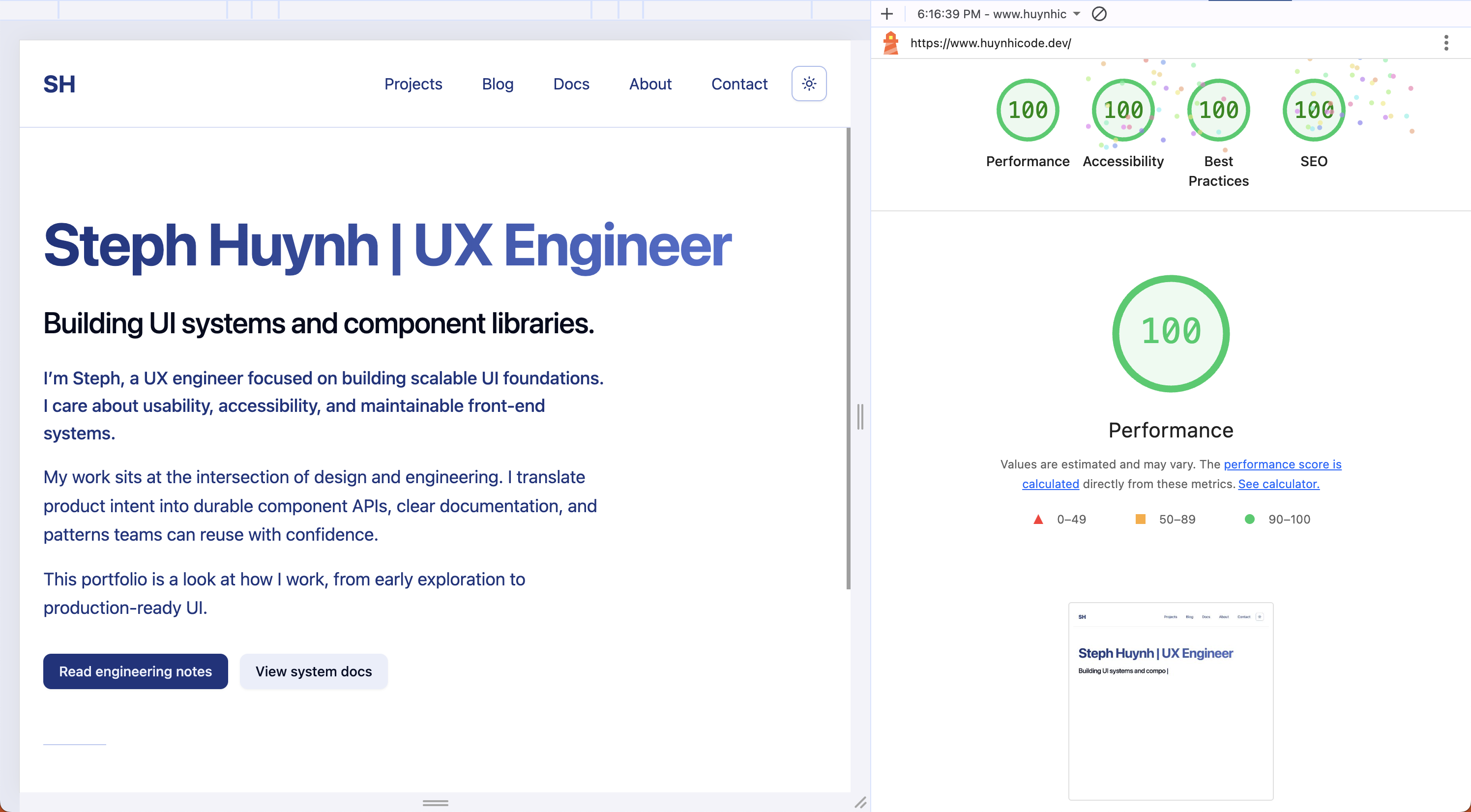
Use Lighthouse (Chrome DevTools or the CLI) to generate current reports and export JSON or screenshots for tracking.
Snapshot
Section titled “Snapshot”This snapshot currently scores 100 across:
- Performance
- Accessibility
- Best Practices
- SEO
What contributes to strong scores
Section titled “What contributes to strong scores”Performance
Section titled “Performance”A fast baseline comes from a few predictable wins:
- Optimized images (correct sizing and modern formats like AVIF/WebP)
- Minimal, split JavaScript and CSS
- A lightweight framework + build setup
- CDN caching and sensible cache headers
- Avoiding render-blocking scripts
Accessibility
Section titled “Accessibility”Accessibility scores stay high when the UI is built on solid semantics:
- Clear heading structure and landmark regions
- Meaningful alt text where needed
- Keyboard navigation and visible focus states
- Sufficient color contrast across themes
- ARIA only where it adds real value
Best Practices
Section titled “Best Practices”Best Practices reflects secure defaults and modern browser expectations:
- HTTPS and secure cookie handling
- No mixed content
- No deprecated APIs
- Clean, predictable runtime behavior
SEO is mostly about good metadata and crawlable structure:
- Descriptive titles and meta descriptions
- Canonical URLs
- Useful link text and readable headings
- Fast loading and mobile-friendly layout
Generate a report locally
Section titled “Generate a report locally”Chrome DevTools
Section titled “Chrome DevTools”- Open the site in Chrome
- Open DevTools → Lighthouse
- Run the audit and export results as needed
npx lighthouse <url> --output json --output-path ./lighthouse.json